kdb Insights Enterprise Interfaces
This page provides an overview of the interfaces you can use to run and manage kdb Insights Enterprise:
KXI Command Line Interface (CLI)
The KXI Command Line Interface (CLI) is a development interface for administrators and data developers to manage the kdb Insights Enterprise application.
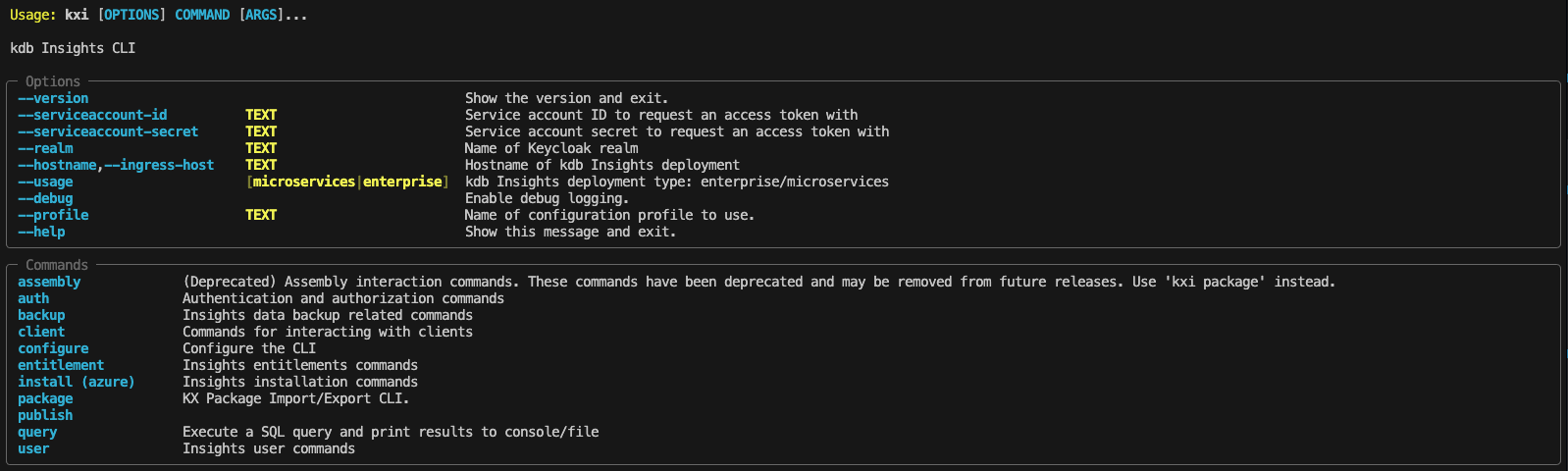
Use the KXI CLI to:
-
Manage installation, upgrade, and uninstall of kdb Insights Enterprise deployments.
-
Programmatically create, manage, and tear down packages that allow you to manage the life cycle of deployments and custom logic. Use the
kxi packageandkxi pmsubcommands for this functionality. -
Configure the system to meet your requirements using the CLI wizard to simplify the process and set up the required parameters. Apply more advanced configurations using the
valuesfile it generates. -
Manage access to the system with user and service level authentication and authorization, role management, single sign-on (SSO), and identify brokering.
Web Interface
The web interface is an interactive visual browser-based tool for data developers and analysts to create and build databases for the purpose of querying and visualizing data into dashboards.
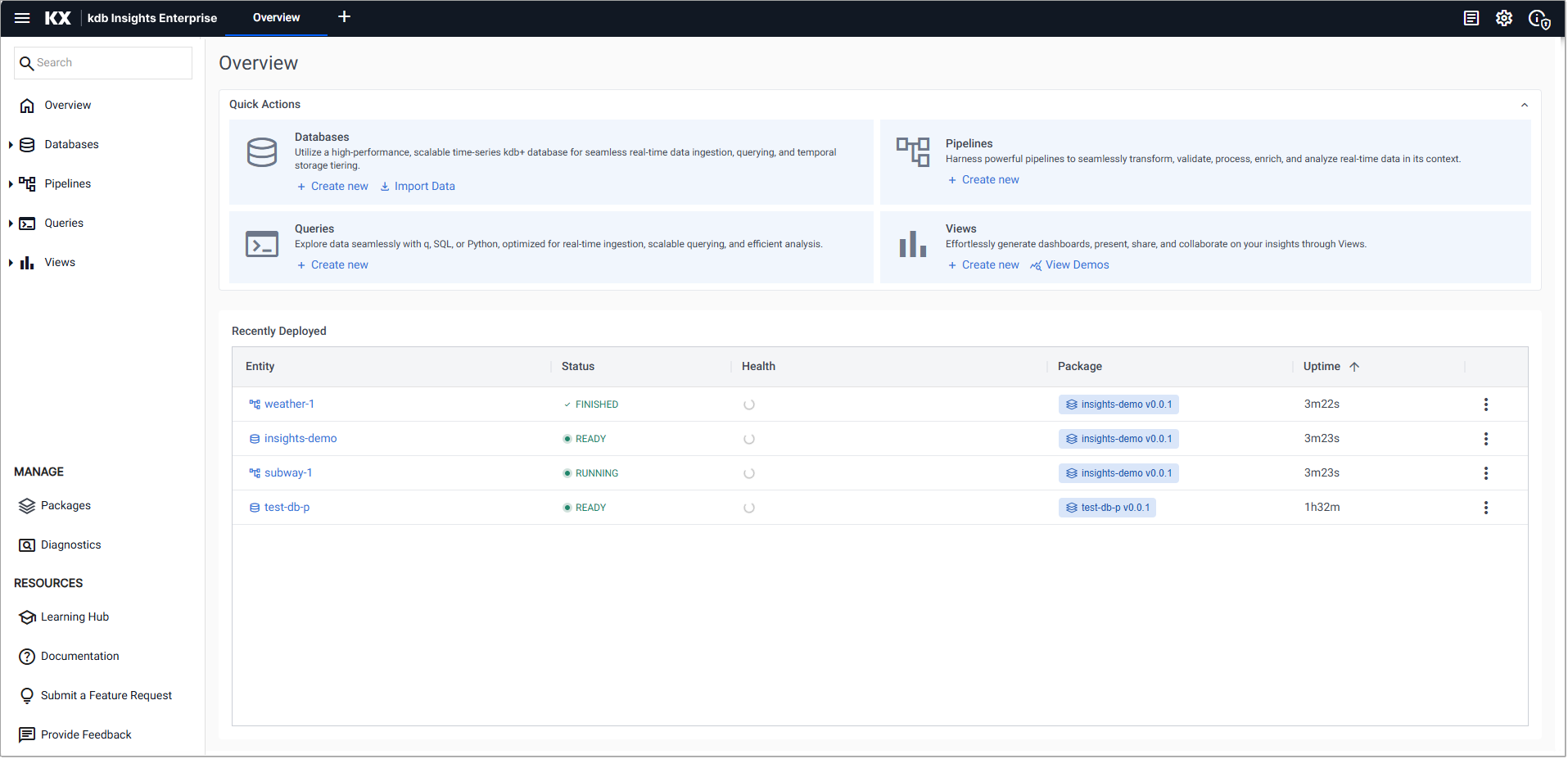
Use the web interface to:
-
Build and configure your database with query, write-down, schema, stream, and other advanced settings. Assign resources based on your data requirements.
-
Import data using the pipeline builder or import wizard from several different sources, including cloud and relational data services.
-
Explore and query your data using the Query APIs available in the Query Window.
-
Create interactive dashboards using Views, the embedded version of KX Dashboards, with components such as charts, maps, and data grids to give you further insights.
-
Run Scratchpad queries using:
kdb Visual Studio Code Extension
The kdb Visual Studio Code extension is a development interface used by developers to write, execute, and manage q and Python code when working with kdb Insights Enterprise.
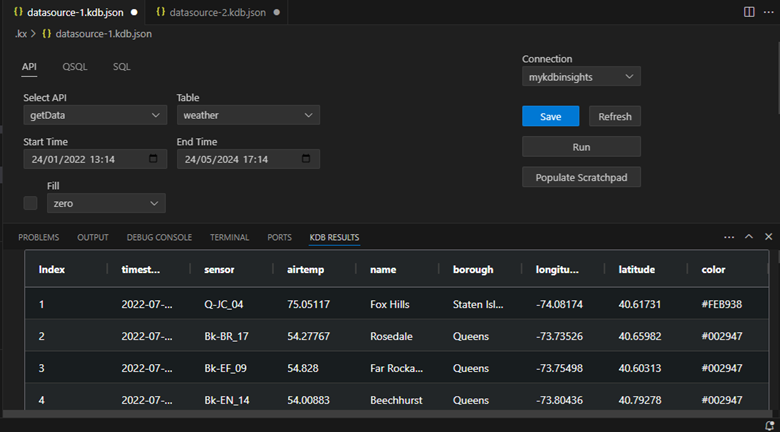
Use this interface to:
-
Write and execute q and Python code with support for syntax highlighting, autocomplete, and code execution at line, block, or file level.
-
Connect to and manage multiple q processes or kdb Insights Enterprise deployments simultaneously.
-
Query data using SQL or qSQL through configured KX Data sources. KX data source files allow you to build queries within VS Code, associate them with a connection, and run them against the kdb Insights Enterprise API endpoints.
-
Develop and test code using:
- KX Workbooks for running q and Python code against active connections.
- KX Notebooks for interactive, multi-language development using q, Python, SQL, and Markdown.
-
Run isolated queries and experiments using the Scratchpad process without impacting shared environments.
-
View query results in the extension, including structured table outputs in the results window.
To access the extension and related documentation, refer to the kdb Visual Studio Code extension site.
Other Querying Methods
kdb Insights Enterprise provides additional methods for querying data programmatically and through external tools.
Use these methods to:
-
Query data programmatically using the Query APIs, via REST or q interprocess communication (QIPC).
-
Execute SQL queries across all data tiers using the SQL Query interface.
-
Integrate with Python applications using KXI Python to run API, qSQL, SQL, and User-Defined Analytics (UDA) queries.
-
Query data from Java applications using the Java Query API.
-
Connect external tools such as Microsoft Power BI using the Power Query Connector.
Developer Libraries
Developer Libraries are available in various languages for publishing and subscribing to data, designed for developers.