kdb Language Server
This page explains the features provided by the kdb language server included with the kdb Visual Studio Code Extension.
The kdb Visual Studio Code Extension bundles a dedicated kdb language server that helps q development by providing syntax intelligence, real-time feedback, navigation tools, and code assistance. These capabilities allow you to write, explore, and maintain q code more efficiently inside Visual Studio Code.
The kdb language server provides:
Syntax highlighting and linting
The extension provides detailed syntax highlighting for the q language, including:
- Keywords
- Types and operators
- Comments
- Local variables (semantic highlighting)
- Inline linting feedback
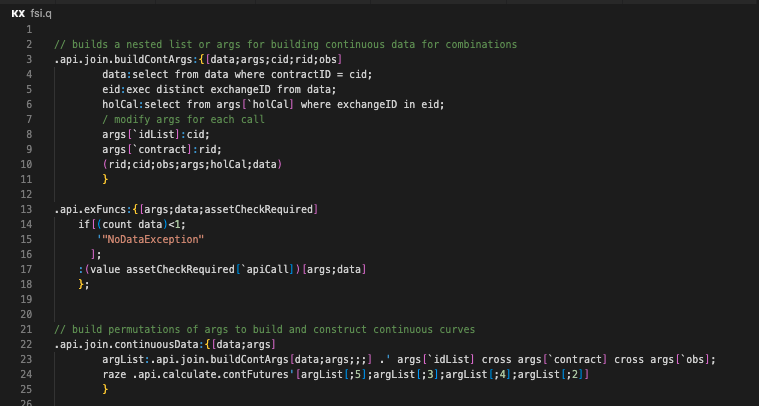
Linting validates q and .quke files and highlights syntax or structural issues.
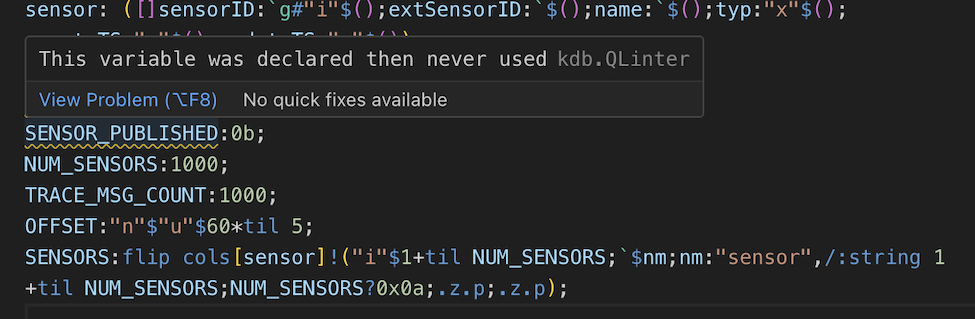
To enable linting, go to VS Code Settings, locate kdb under Extensions and check the Linting box in the extension settings.
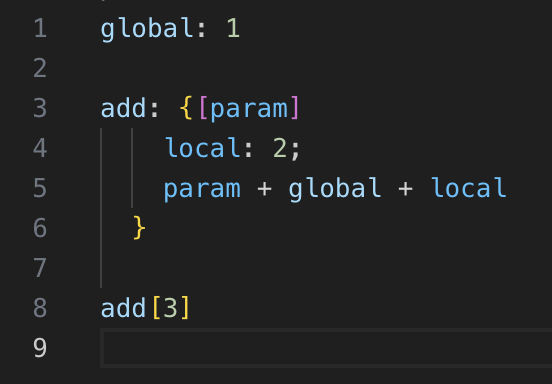
Semantic highlighting is available for local variables, making it easier to track scope and reduce errors.
Code navigation
The language server provides navigation features that help you understand and traverse q code:
- Go to definition - Jump directly to the definition of a function.
-
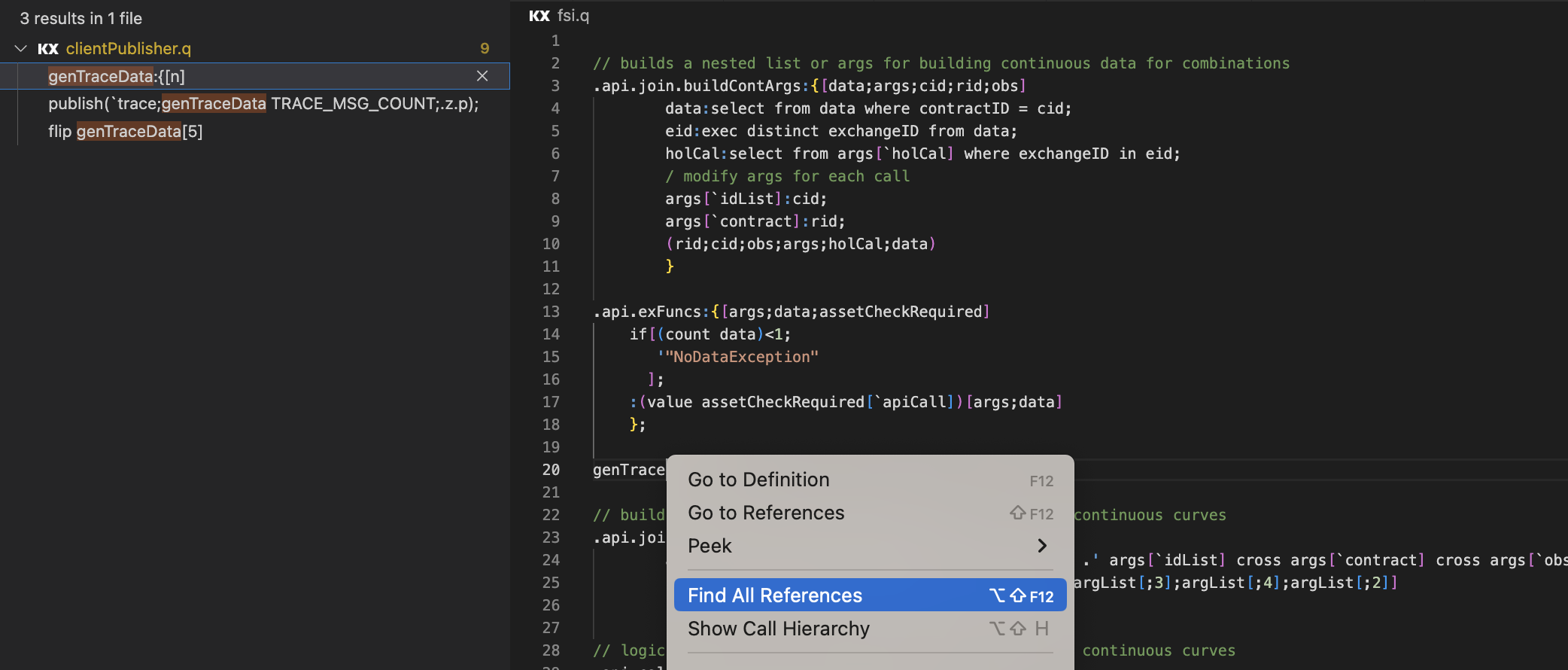
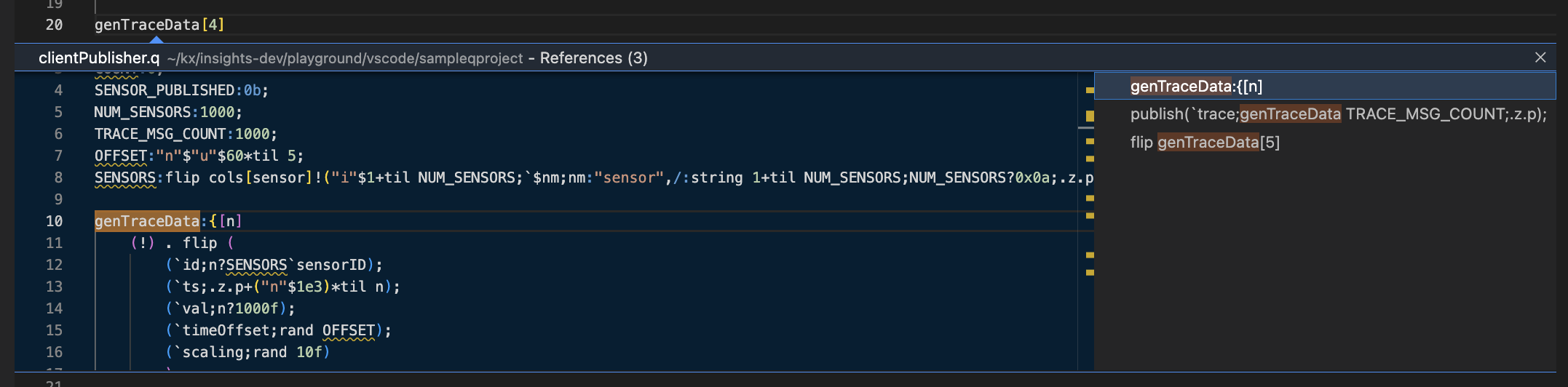
Find/go to all references - View all the references of a function both on the side view and inline with the editor.
-
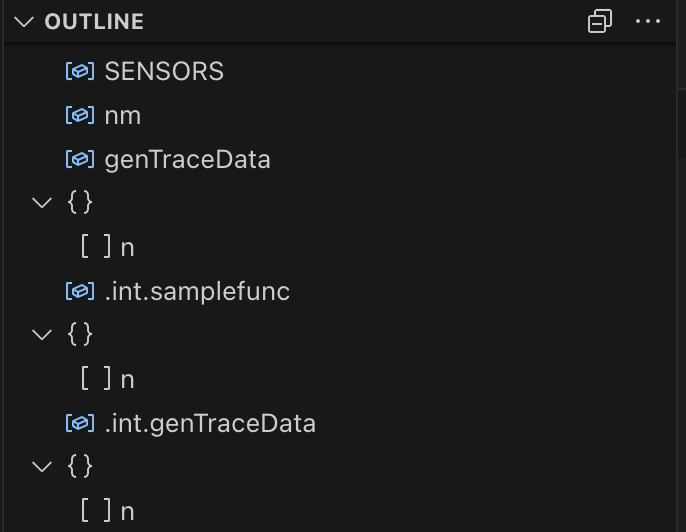
Outline View - Use the Outline at the bottom of the Explorer view which shows the symbol tree of the currently active q file.
Code completion
The language server provides intelligent auto-completion for:
- q keywords
- Symbols defined in the current file
- Entities discovered from active q connections
- Local variables and functions
- Remote definitions from connected q processes
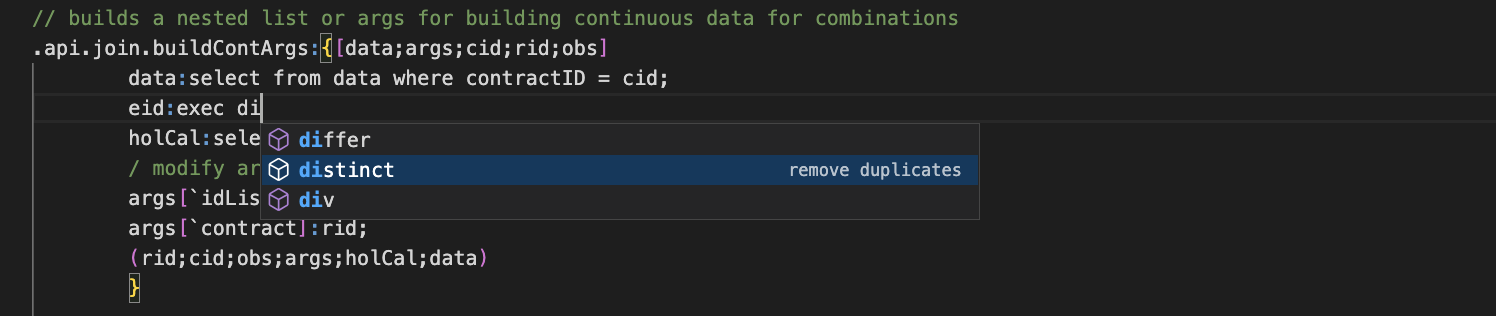
This helps reduce typing effort and minimizes errors when working with larger codebases or unfamiliar APIs.
Rename symbol
The Rename Symbol feature allows you to refactor identifiers safely as it supports renaming symbols in the text editor.
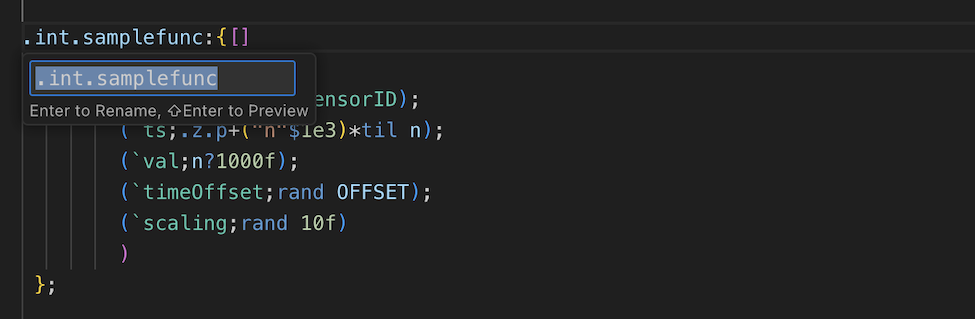
Right-click and select Rename Symbol on any identifier to rename it.