Tables and schemas
This page describes how KXS database tables are stored as YAML files and structured using the schema.yaml metadata template.
Tables are stored as YAML text files in the schema directory. All KXS tables are based on the same schema object: schema.yaml in the meta directory. schema.yaml is a metadata object, a collection of properties such as type, overlay rule (union, first, discard, etc.), required status, group membership, etc. that describes the structure of the table but is not the table itself.
The following example from schema.yaml shows the full set of table properties available:
schema:
  type:
    m-type: symbol
    m-description: Table type
    m-overlay: first
    m-required: true

  description:
    m-type: string
    m-description: Table description
    m-overlay: discard

  groups:
    m-type: symbols
    m-description: Table group membership
    m-overlay: union

  primaryKeys:
    m-type: symbols
    m-description: Names of ordered primary key columns
    m-overlay: first

  partitionCol:
    m-type: symbol
    m-description: Name of column to be used for storage partitioning
    m-overlay: first

  shards:
    m-type: integer
    m-description: Number of shards into which the table is split
Individual tables consist of a subset of the table properties defined in schema.yaml, as well as values for each property included in the table. The following example shows the AuditLog table:
AuditLog:
  m-meta: schema.yaml
  type: partitionedDeltaMem
  description: This table holds information about audit events tracked by the application. Depending upon the event type and the application's configuration, an event may be propagated to an external notification or service desk tool. The table is partitioned by week based on the timestamp of the event.
  groups: [ Op ]
  validationFn: verAuditLog
  isMdqQueryable: Y
  isMdqTraversable: Y
  columns:
   - name: ts
     type: timestamp
     description: Timestamp when event was generated

   - name: nodei
     type: byte
     description: Index of node where record was added

   - name: userID
     type: integer
     description: User who created the entry (FK to User)
     foreignKey: userID

   - name: orgID
     type: integer
     description: Organization associated with this entry (FK to Organization)
     foreignKey: orgID
     attr: grouped
     attrOrd: parted
     attrDisk: parted

   - name: sys
     type: short
     description: System on which event was generated

   - name: sev
     type: byte
     description: "Severity level for the event: 1 = error, 2 = warning, 3 = info, 4
...
schema.yaml
This YAML object, or template file, describes all the possible properties of any KXS table. It is maintained by KX and should never be modified by non-KX developers. The following properties in schema.yaml apply to the table as a whole, that is, all columns in the table:
| Property | Description |
|---|---|
type |
Your table type (see Table types). |
description |
Your table description. |
groups |
Table groups allow you to group two or more tables in a single collection so that they can be loaded into a process in process.yaml under a single group name. Likewise, you can use table groups in mdbTables.yaml to specify common properties for two or more tables. If required, a single table can be assigned to multiple table groups. |
primaryKeys |
Names of ordered primary key columns. |
partitionCol |
Name of column used for partitioning. If not specified, the first column in the table's schema of type timestamp is used by default. |
shards |
Number of shards. Or 0 or 1 if not sharded. |
partitions |
Maximum number of on-disk partitions to retain. |
retentionDuration |
One or more ages in days at which the paired retentionWC clause is applied to the table, pruning rows from partitions that reach that age. Requires dbmRetention. See Row-level retention. |
retentionWC |
One or more functional where clauses, each identifying the rows to keep, paired with the entries in retentionDuration. |
blockSize |
Memory block size during storage write-down manipulation. |
chunkSize |
Chunk size used by DBW when writing table during EOX. |
updateTsCol |
Name of column used by DBW to determine the age of any given record. |
sendNodeCol |
The column in the table containing the name of the originating node. Used by signal tables in an HA configuration to communicate the status of feeds and nodes from one node to another. |
sortCols |
Names of sort columns for RDB, IDB, and HDB. |
sortColMem |
Ordered comma-separated list of columns specifying the sort order applied to in-memory representation (overrides sortCols). |
sortColOrd |
Ordered comma-separated list of columns specifying the sort order applied to ordinal representation (overrides sortCols). |
sortColDisk |
Ordered comma-separated list of columns specifying the sort order applied to on-disk representation (overrides sortCols). |
excludeDeps |
Foreign key table dependencies to exclude. |
dictCols |
Comma-separated list of columns containing dictionaries (used by master data query framework). |
pseudoCols |
Call to Location contains latitude and longitude. The pseudo column transformation maps these to a value in the Location table. |
deltaMergeMinSize |
If specified, overrides the system-wide parameter of the same name in systemParams.yaml. |
deltaMergeRatio |
If specified, overrides the system-wide parameter of the same name in systemParams.yaml. |
isRelationship |
Represents a time-dated master data relationship table. |
hasSentinel |
Indicates whether table has leading sentinel row (to prevent coercion of column type). |
validationFn |
Database table validation routine (expected to be in the .val namespace). |
feedMapFn |
The function used by DBC to determine which rows are part of which feed. Only required if your copy or move operation involves a subset of feeds. |
isMdqQueryable |
Indicates whether table can be a primary entity of a GetMD (master data query) API call. |
mdqTables |
Specifies the list of tables eligible to be used in the filter and/or columns parameters of GetMD. Leaving this empty indicates that all tables are eligible. Actual eligibility depends on whether there is a link (direct or indirect) to the primary table. |
isMdqTraversable |
Indicates whether the table can be traversed when the MDQ framework searches for the optimal path between tables. |
bitempTable |
Name of table containing related bitemporal attributes. |
isLogActivity |
Whether this table should output log statements when receiving data. |
origNames |
Previous table names in order of oldest to newest. |
topic |
EMS topic that this table belongs to. |
The following properties apply to individual table columns only:
| Property | Description |
|---|---|
name |
Column name. |
type |
q column type name. |
description |
Column description. |
foreignKey |
Name of the table and columns to which this column refers. |
uniqueWithin |
Name of the column forming a uniqueness constraint. |
attr |
Attribute for in-memory (RDB), ordinal (IDB), and on-disk (HDB) representation. There are four possible attributes in KXS: sorted (list, dict, table), unique (list), grouped (simple list), and parted (list). |
attrMem |
Attribute for in-memory (RDB) representation (overrides attr). |
attrOrd |
Attribute for ordinal (IDB) representation (overrides attr). |
attrDisk |
Attribute for on-disk (HDB) representation (overrides attr). |
isExternalKey |
Indicates whether column is an external key. |
isCompressed |
Indicates whether column is compressed. |
isEncrypted |
Indicates whether column is encrypted. |
isSerialized |
Indicates whether column data is serialized. |
isMisc |
Indicates whether column is a miscellaneous column. |
origNames |
Column renames in the following order: new name followed by old name. |
init |
Indicates directives to be used for populating columns: fn (function to apply), fnInv (inverse function to apply), inputCols (input to function), default (default value to be used in case of fn). |
Table types
All tables in KX Sensors are assigned a type. Depending on the type, further details for the table are required. The following table shows the different attributes that apply to a table depending on its type.
| Category | Description | Splayed | Partitioned | Memory only | Delta | Master data |
|---|---|---|---|---|---|---|
memOnly |
A table that exists in process memory only. Typically, its contents are derived from other tables or updates are not required to persist over process restarts. | N | N | Y | N | Y |
basic |
A basic (non-splayed) kdb+ table. Appropriate for small tables or when data type requirements preclude splaying. | N | N | N | N | Y |
splayed |
A splayed kdb+ table. Appropriate for moderately large tables (tens to hundreds of millions). | Y | N | N | N | Y |
mru |
A splayed kdb+ table for master data that's too large to hold in memory. Only the most recently used rows are cached in RDB memory; the rest are fetched from IDB on demand. See MRU tables. | Y | N | N | N | Y |
partitioned |
A partitioned table. Typically used for very large time series tables, especially ones with no or limited historical update requirements. | Y | Y | N | N | N |
partitionedDelta |
A delta-backed partitioned table. Used for very large time series tables with significant historical update requirements. These tables have companion "delta" tables that contain historical changes received after a configurable threshold. | Y | Y | N | N | N |
partitionedDeltaMem |
A partitioned table that is backed by an in-memory delta table on RDB/HDB to catch updates during write-down. | Y | Y | N | N | N |
delta |
The companion to partitionedDelta tables; this is a partitioned table that contains historical changes to the base table. A delta table record is generated dynamically from a partitionedDelta table. These tables have the same name as their base tables with a "Delta" suffix. |
Y | Y | N | Y | N |
deltaMem |
The companion to partitionedDeltaMem tables; this is an in-memory table that is used during write-down to catch mutations. |
N | N | Y | Y | N |
deltaMRU |
The companion to mru tables. In IDB, it holds the changes written down at each EOI until EOD merges them into the base table. In RDB, it's an in-memory, virtually partitioned table that holds updates for keys that aren't cached when deferred fetch is enabled. See MRU tables. |
Y | N | N | Y | Y |
monitor |
A table used to monitor system performance. | N/A | N/A | N/A | N/A | N |
Set up table overrides
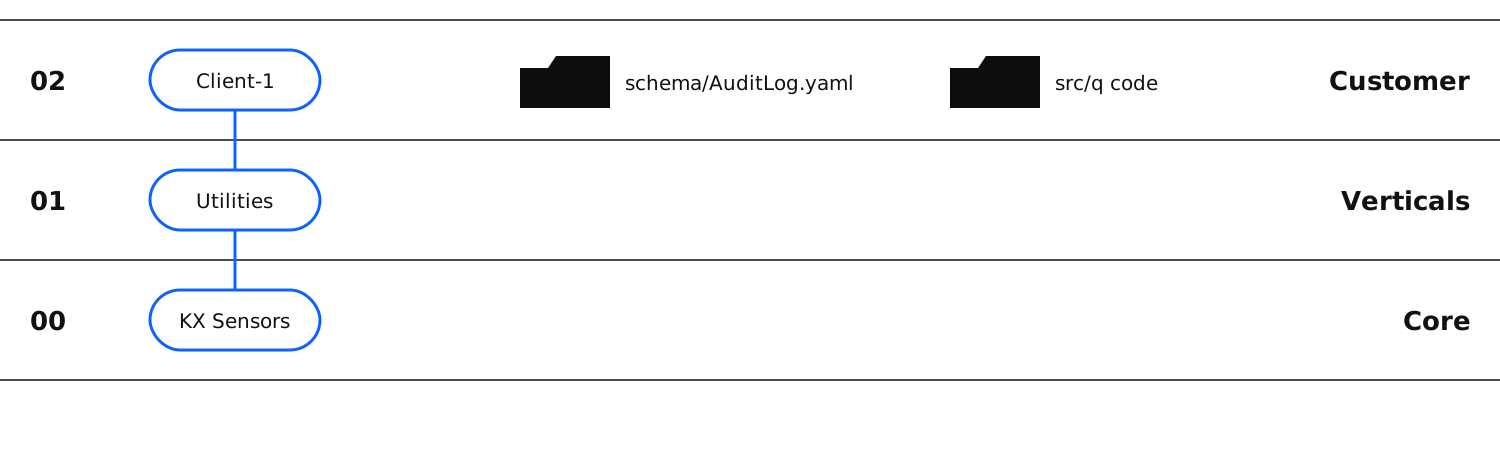
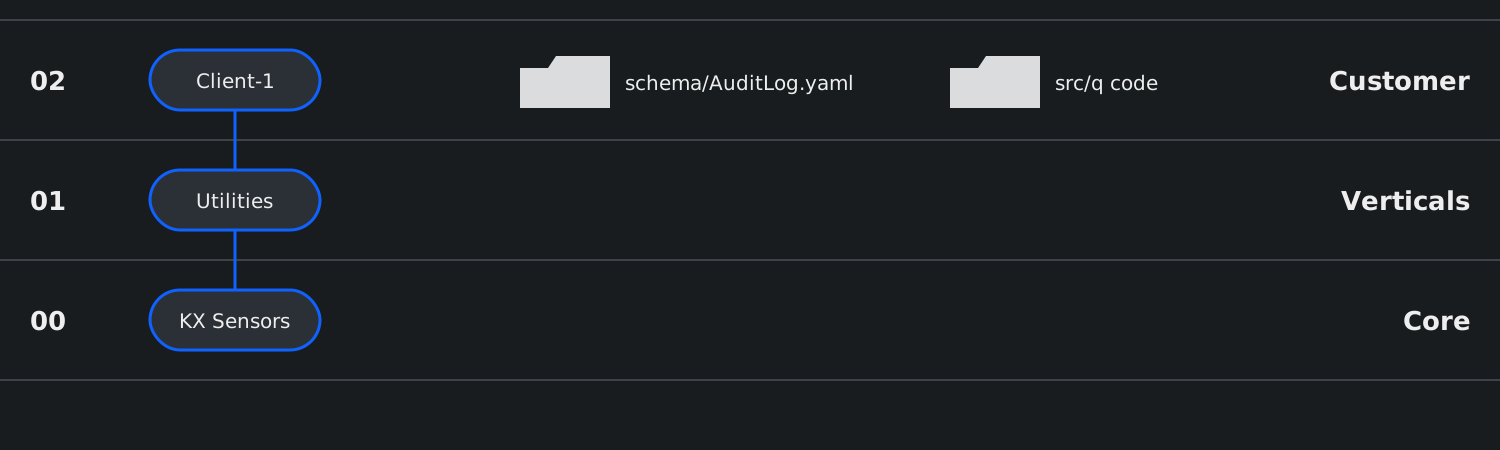
When there are multiple instances of the same table in the same environment (for example, AuditLog.yaml), the position of the table in your overlay directory list (that is, KXS_LOAD_DIRS) and its overlay rule (fill, first, discard, etc.) determines which value(s) is applied.
The overlay rules for tables are identical to the overlay rules for configuration objects. See Overlay rules for configuration objects for further information.
Table overrides are subsets of the default schema defined in kxs-core and need only contain the line m-meta: schema.yaml followed by the columns that differ from the default. Any empty columns inherit either populated columns from a lower-level override or, failing that, the default values in kxs-core. The following example shows an AuditLog table override:
AuditLog:
  m-meta: schema.yaml
  isMdqQueryable: false
Table overrides must be placed in the appropriate schema/ directory of your overlay directory list.