Overlay rules for configuration objects
This page explains the six overlay rules KX Sensors uses to merge configuration objects across layers.
When there are multiple instances of the same object in the same environment (for example, process.yaml), the overlay directory list defined in KXS_LOAD_DIRS and the overlay rule (fill, first, discard, etc.) determine which value is applied. There are six possible overlay rules in KX Sensors.
| Rule | Description | Example |
|---|---|---|
fill |
Take the last non-null value as the final value. Note! Fill is the default rule and doesn't need to be declared. |
q) (fill/) (`hello;`hello`goodbye;`goodbye) `goodbye |
first |
Use the first value in the overlay directory list as the final value. | q) (first) (`hello;`hello`goodbye;`goodbye) `hello |
last |
Take the last value as the final value, even if the last value is null. | q) (last) (`hello;`hello`goodbye;`) ` |
discard |
Ignore all overlays and provide no value (empty list). | q) 0# (`hello;`hello`goodbye;`goodbye) |
merge |
Join all values from all overlays. | q) (,/) (`hello;`hello`goodbye;`goodbye) `hello`hello`goodbye`goodbye |
union |
Join all unique values from all overlays. | q) (union/) (`hello;`hello`goodbye;`goodbye) `hello`goodbye |
Example 1: overlay rule not specified
| Core | Overlay 1 | Overlay 2 | Final value |
|---|---|---|---|
| A | B | C | C |
If no overlay rule is specified, fill is applied, so the final value is the last non-null value: C.
Example 2: overlay rule = first
| Core | Overlay 1 | Overlay 2 | Final value |
|---|---|---|---|
| A | B | C | A |
With the first overlay rule, the final value is the first value in the overlay directory list: A. For example, this is sdl.yaml showing an overlay of first:
sdl:
  m-description:
  values:
    m-type: dict
    m-required: true
    m-overlay: first
    m-keys: msgType
    m-value:
      isBatch:
        m-type: boolean
        m-description: Flag indicating whether or not the message type will be micro-batched.
        m-required: true

      splitFn:
        m-type: symbol
        m-description: Dyadic splitting function that is responsible for dividing the incoming message into one or more segments that will be microbatched separately in each batch.
Example 3: overlay rule = discard
| Core | Overlay 1 | Overlay 2 | Final value |
|---|---|---|---|
| A | B | C | (none) |
With the discard overlay rule, all overlays are ignored and no value is provided.
Example 4: overlay rule = merge
| Core | Overlay 1 | Overlay 2 | Final value |
|---|---|---|---|
| A | B | C | A, B, C |
With the merge overlay rule, all values from all overlays are joined, so the final value is the combination of all three.
Set up configuration object overrides
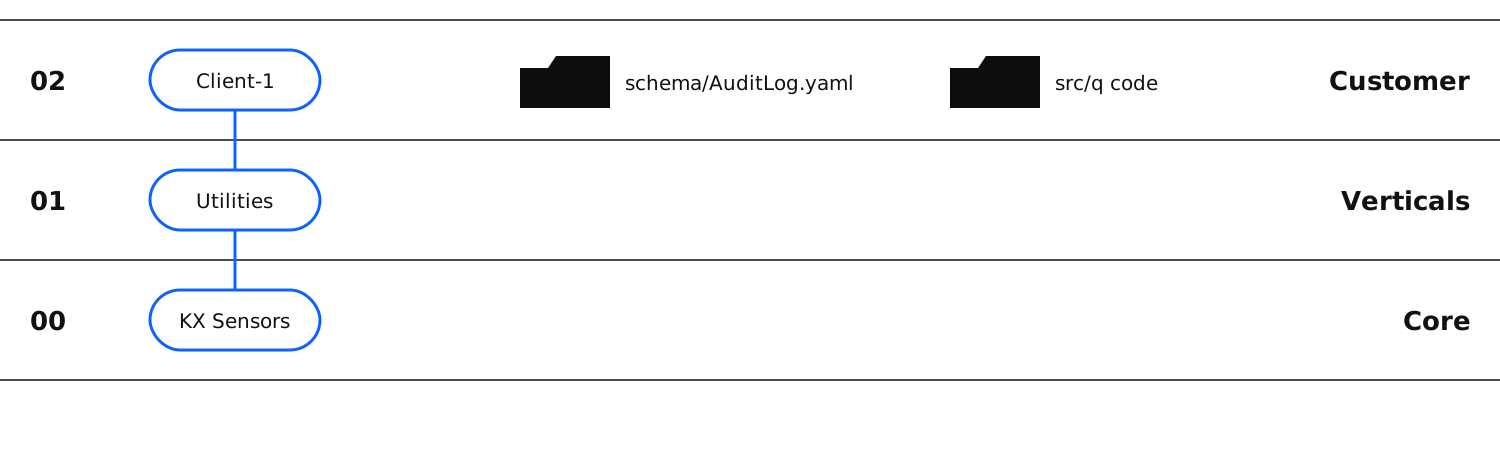
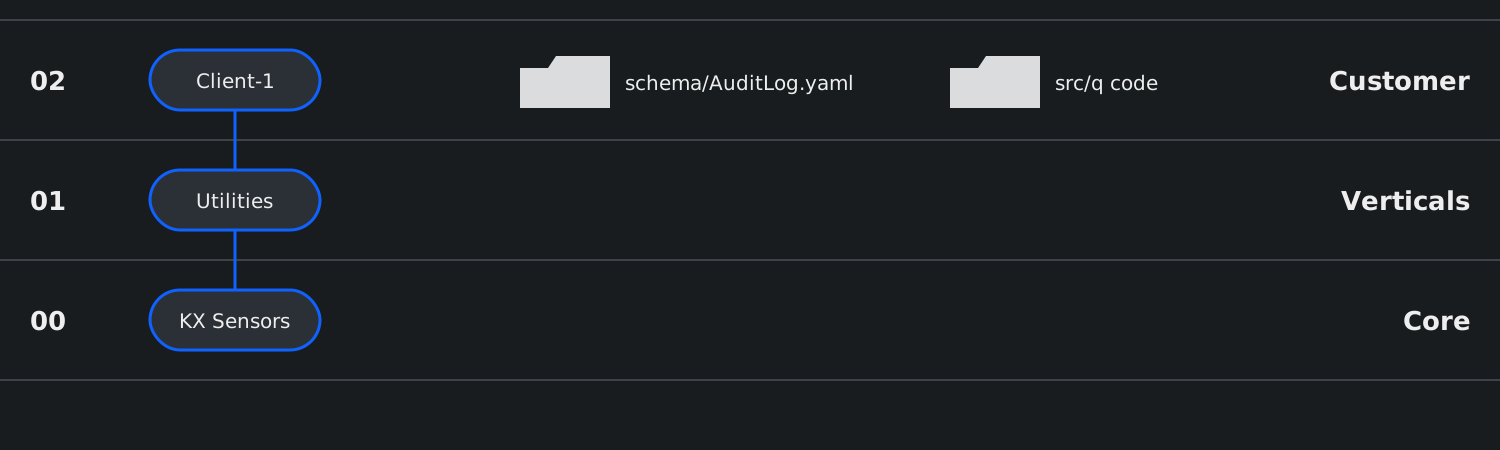
Using the overlay directory list of kxs-core;/kxs-utilities;/kxs-node-0;/client-1, this example shows two overrides for systemParams.yaml.
Configuration overrides are subsets of the default configuration object defined in kxs-core and need only contain the columns that differ from the default. Any empty columns will inherit either populated columns from a lower-level override or, failing that, the default values in kxs-core.
| Overlay | Comment |
|---|---|
client-1 |
Inherits one override from kxs-node-0 (estConfigured) and overrides the veeConfigured value in kxs-node-0. |
kxs-utilities |
No overrides at this level. |
kxs-core |
Full YAML file with system defaults defined by KX that should never be changed. |
The client-1 override of systemParams.yaml:
systemParams:
  values:
    - name: veeConfigured
      type: bool
      description: Indicates whether SDL should pub
      value: false
      dynamic: false
The kxs-core defaults for systemParams.yaml:
systemParams:
  values:
    - name: opDataDir
      type: hsym
      description: Process-specific operational data
      value: "${KXS_ROOT}/opdata${_NODE}/${INST}"
      dynamic: false
    - name: miscDataDir
      type: hsym
      description: Miscellaneous data directory.
      value: "${KXS_ROOT}/misc"
      dynamic: false
    - name: partFn
      type: symb
      description: Temporal partitioning function
      value: datep
      dynamic: false
Refer to the configuration object's meta file to find out the type of value. If the value in your overlay is defined as a string, you must enclose the value in quotation marks. For example, here's an override with values of type string:
dbSum:
  values:
    Account:
      groupCols: "COMPANY|D:orgID{ORG|Dr}"
      aggCols: "CREATED_TS;MODIFIED_TS:updateTS"
      deletedCol: "isDeleted"

    Reading:
      groupCols: "COMPANY|D:orgID{ORG|Dr};READING etc.,etc."
      aggCols: "READING:val{;fmt};CREATE_TS;update_TS"
      deletedCol: "intFlags{.bits.testbnz[:.flags.intRead.etc.,etc."
Configuration overrides must be placed in the appropriate config/ directory or directories of your overlay directory list.