Viewers
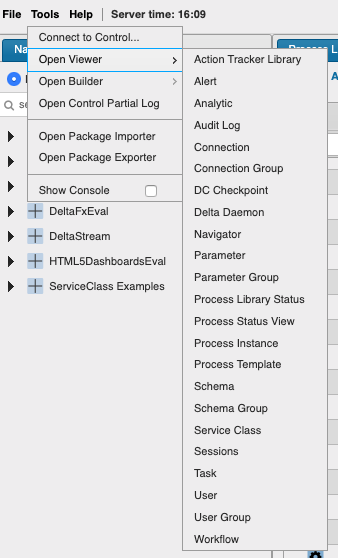
Various viewers within KX Control provide a ‘quick view’ of entities and statuses. These are available from the top-level menu Tools > Open Viewer
Action trackers
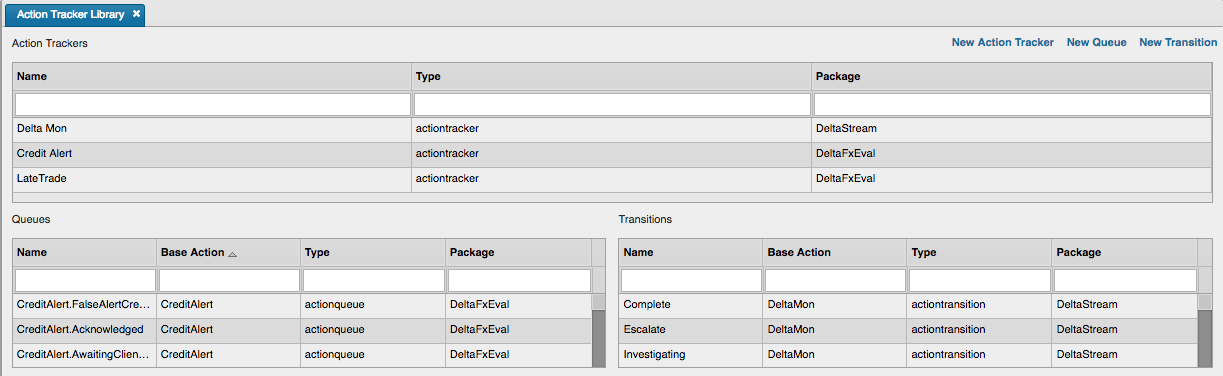
For more information on Action Trackers see KX Stream documentation.
Alerts
Analytics
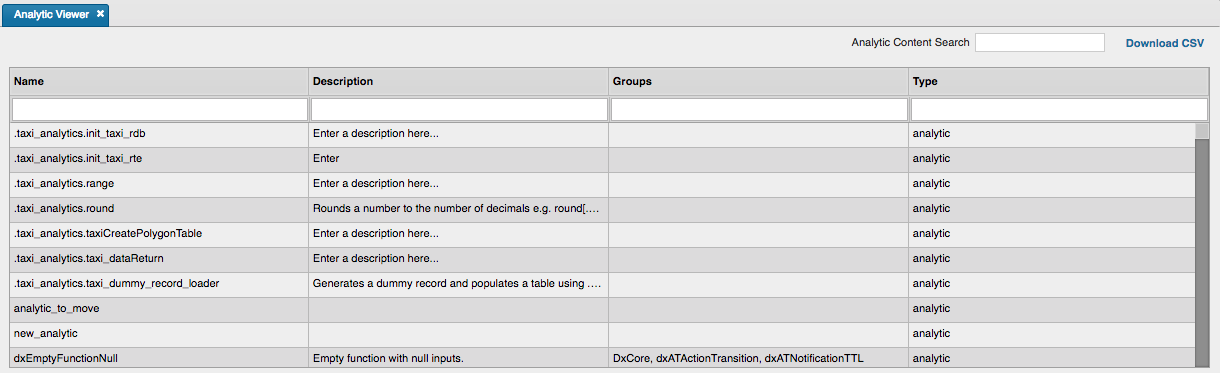
The Analytic Viewer shows both analytics and instructions. It also has an analytic content search area. Search will find matching results containing across all analytics and instructions. Searching requires at least two characters and supports wildcarding.
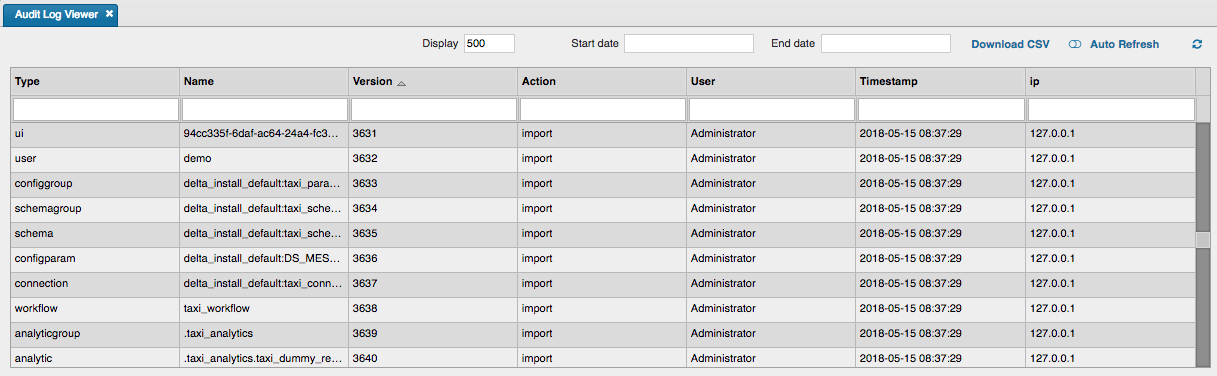
Audit logs
Connection

Connection group

Checkpoints

Delta daemon
Available KX Delta Platform servers for starting processes

Navigator
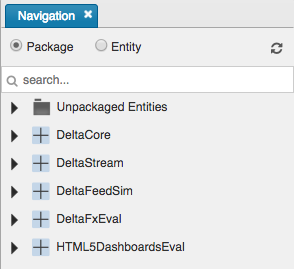
The navigator allows viewing by package structure or by entity type. Both views support searching so long as there is a minimum of 2 characters. Search also supports wildcards. The search term is maintained when switching view modes.
Parameter
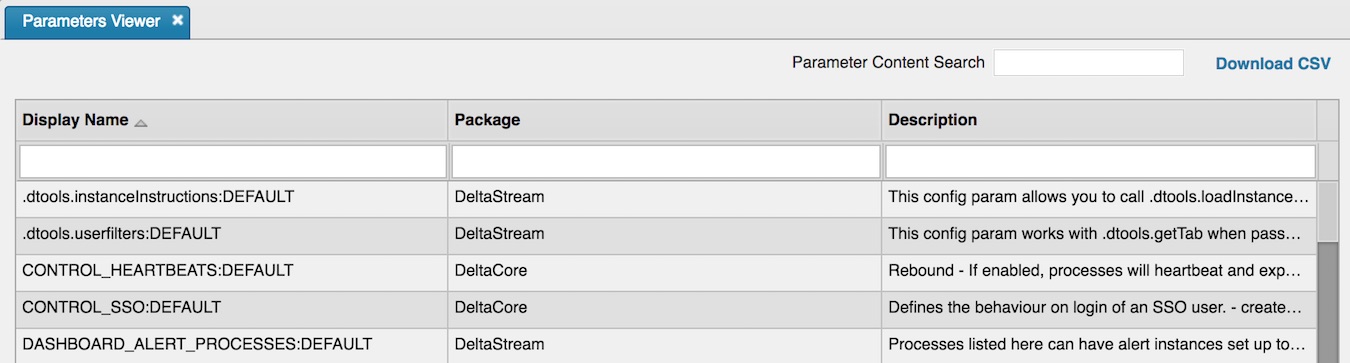
The Parameter viewer supports a search capability to find a match across all the parameters in the system. Searching requires at least two characters and supports wildcards.
Parameter group

Process library status
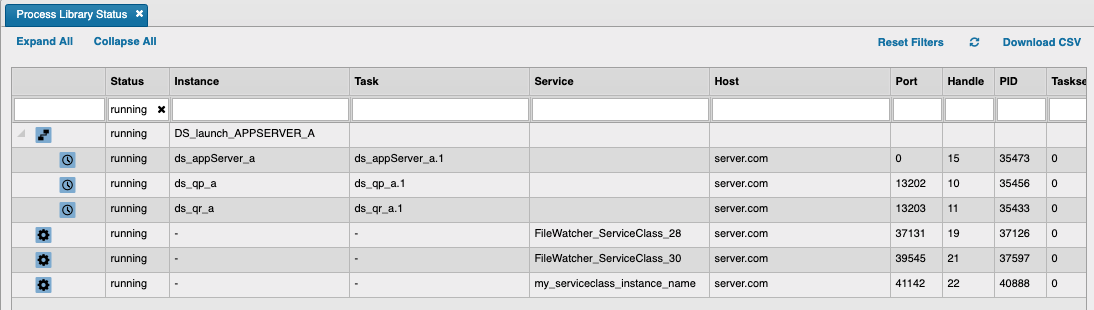
The viewer displays a list of workflows and associated tasks.
Controls include expand and collapse. The former displays all associated tasks for each workflow; the latter minimizes the tasks in a workflow
Process status
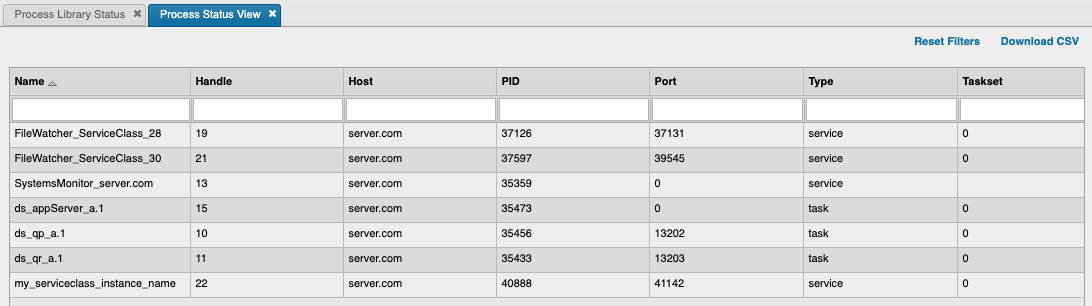
The viewer only displays running instances, tasks, and service classes.
Process instance

Process template

Schema

Schema group

Service class

Serviceclass Deployments
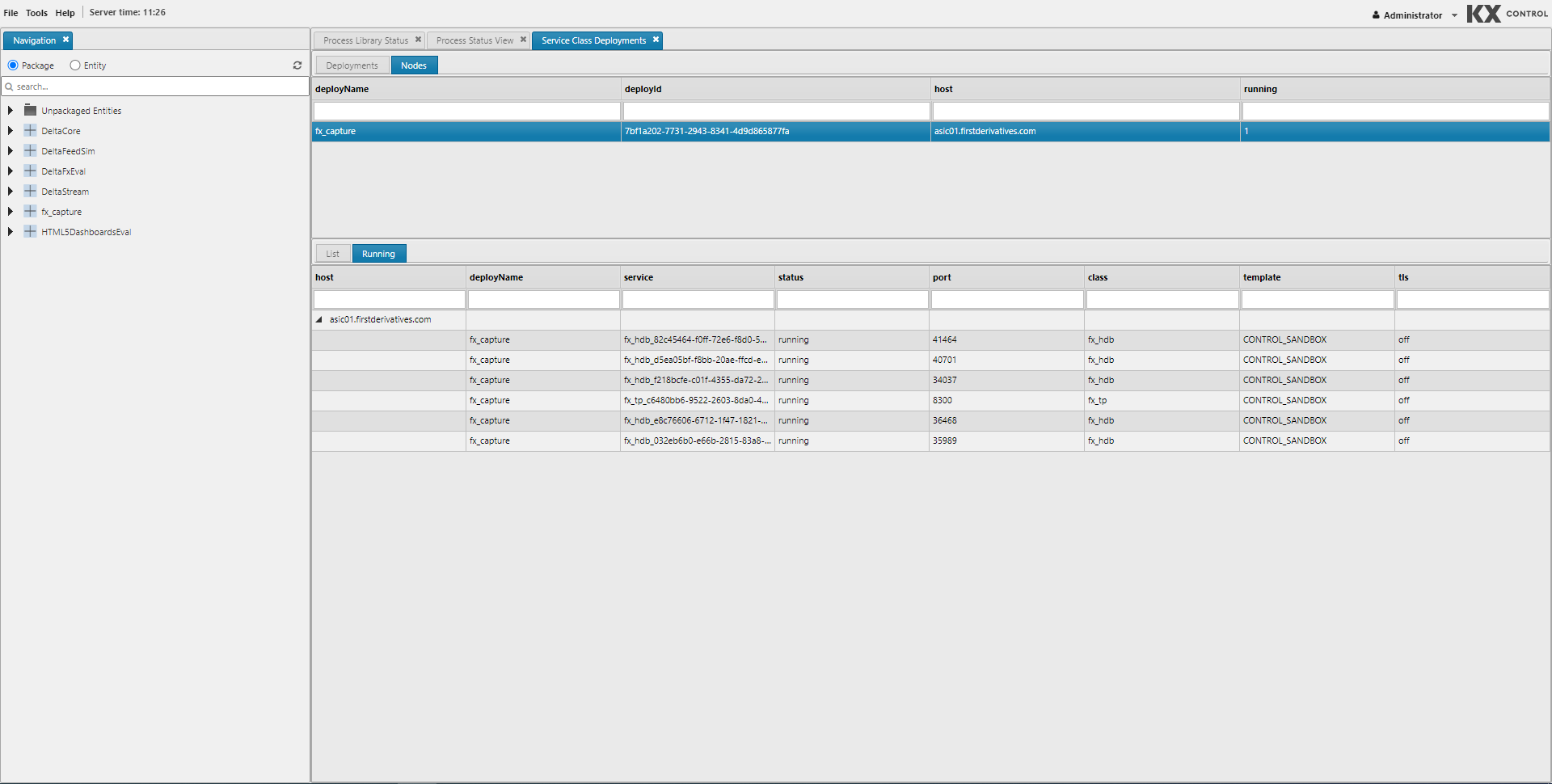
Screen showing serviceclass deployment nodes allowing the starting and stopping of new nodes and multiple serviceclass simultaneously.
Sessions
Currently active UI sessions in KX Delta Platform. You can force logout from a session or turn on client logging. Client logging can also be turned on by double-clicking in the column.

Task

User

User group

Workflow
